Akhuwat Foundation App Download
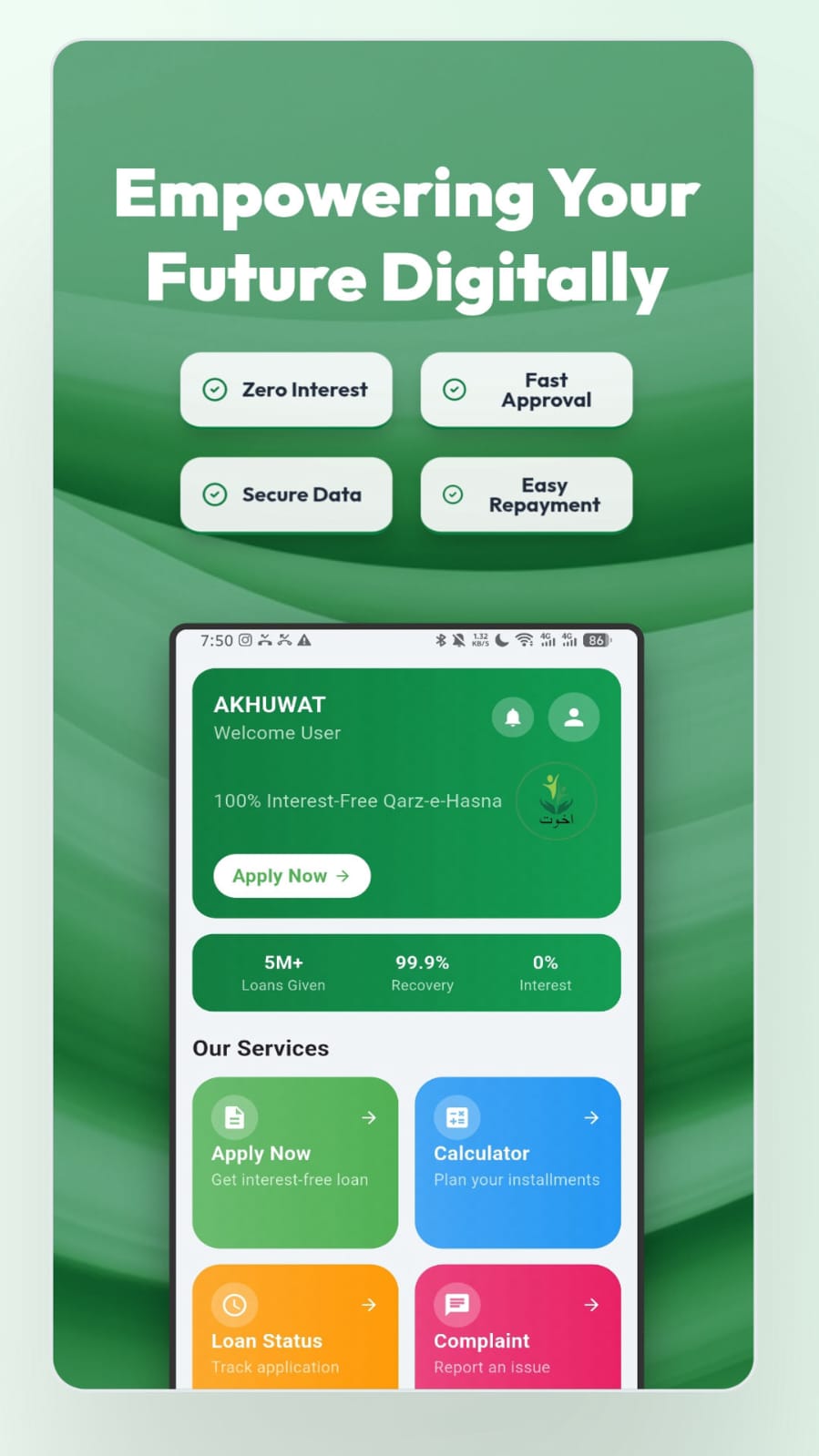
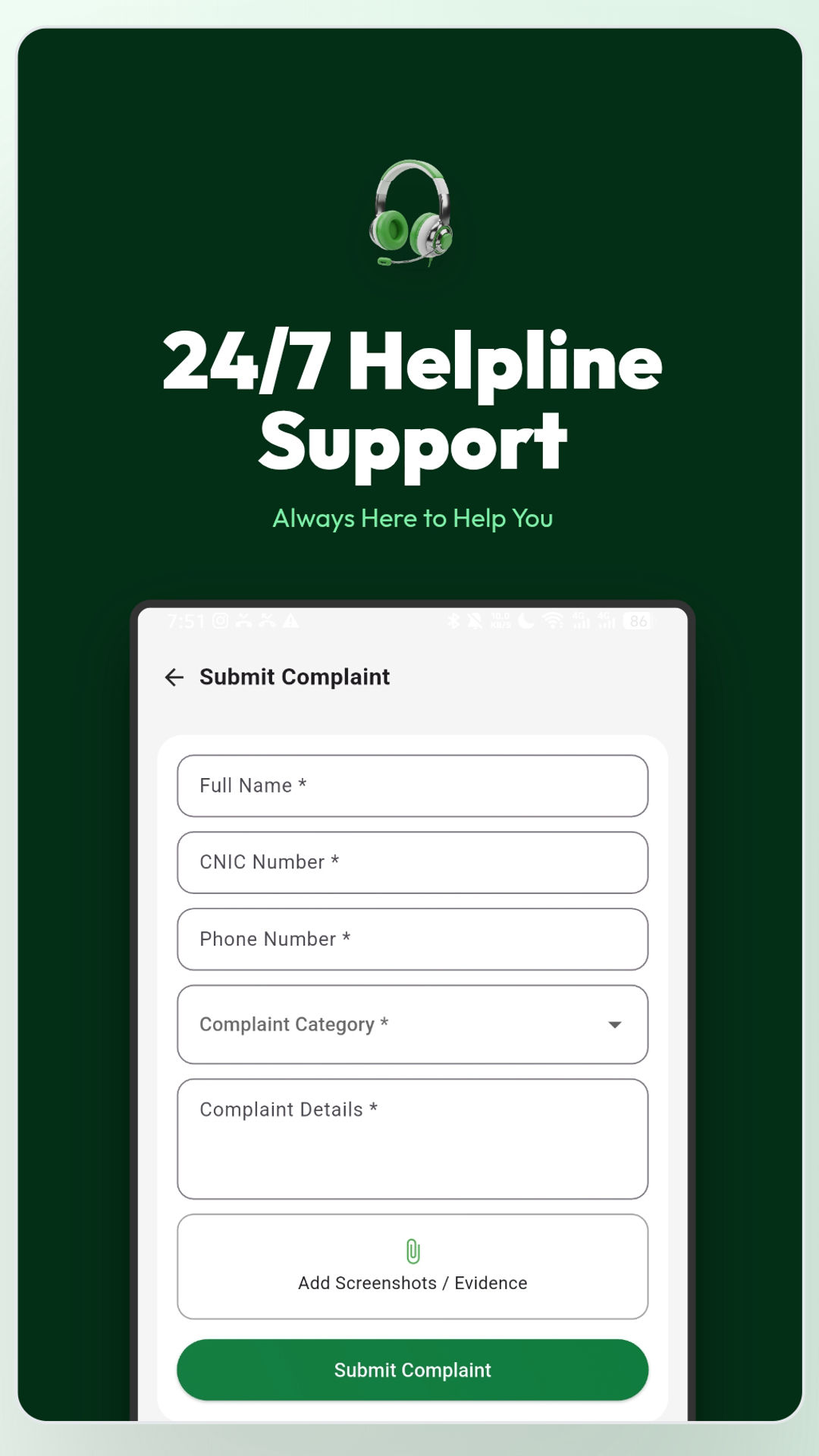
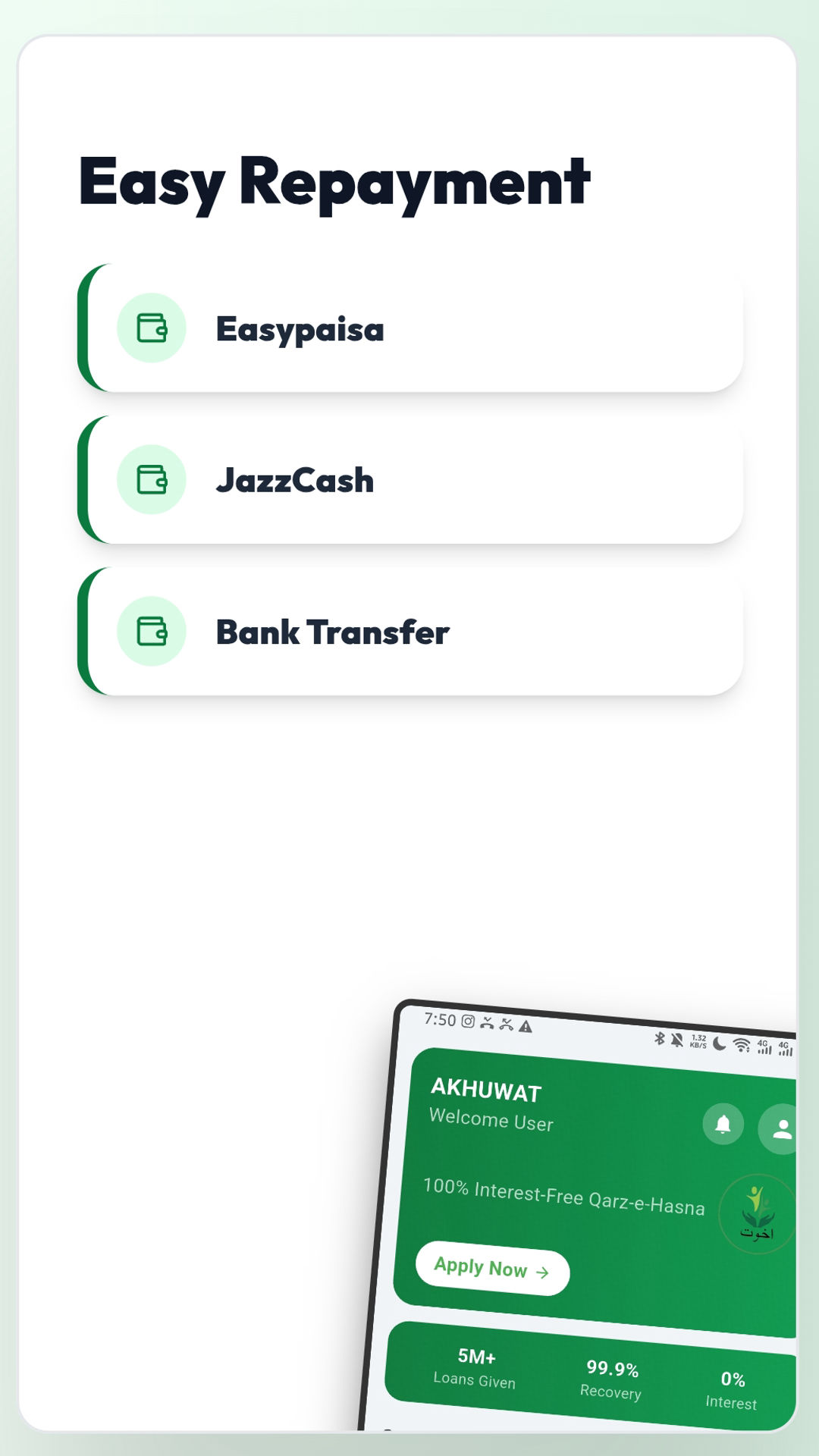
The Akhuwat Foundation is a well-known organization that provides interest-free loans to individuals in need. To make the loan application and information process easier, Akhuwat has introduced a mobile application that allows users to access their services digitally.
Why Download the Akhuwat Foundation App?
Downloading the Akhuwat Foundation app provides multiple benefits:
– Easy access to loan information without visiting a branch
– Online application tracking for loan requests
– Guidelines for loan eligibility and required documents
– Updates on Akhuwat’s latest programs and services
– Donation options for those who want to contribute to Akhuwat’s cause
How to Download the Akhuwat Foundation App?
Downloading the Akhuwat Foundation app is simple and can be done through:
1. Google Play Store (for Android users)
2. Apple App Store (for iPhone users)
3. Official Akhuwat Foundation website (for direct APK download)
Step-by-Step Guide to Installing the App
1. Open the Google Play Store or Apple App Store on your smartphone.
2. Search for “Akhuwat Foundation” in the search bar.
3. Click on the official Akhuwat app and press Install.
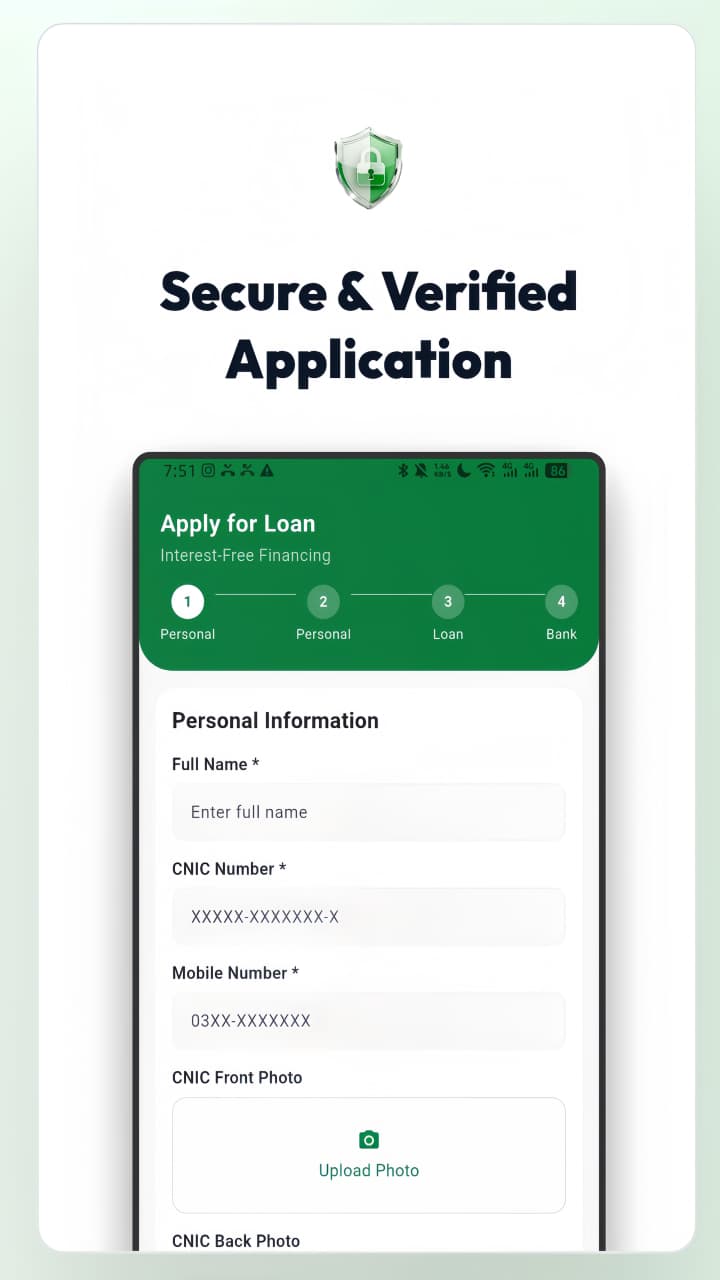
4. Once downloaded, open the app and register using your CNIC and mobile number.
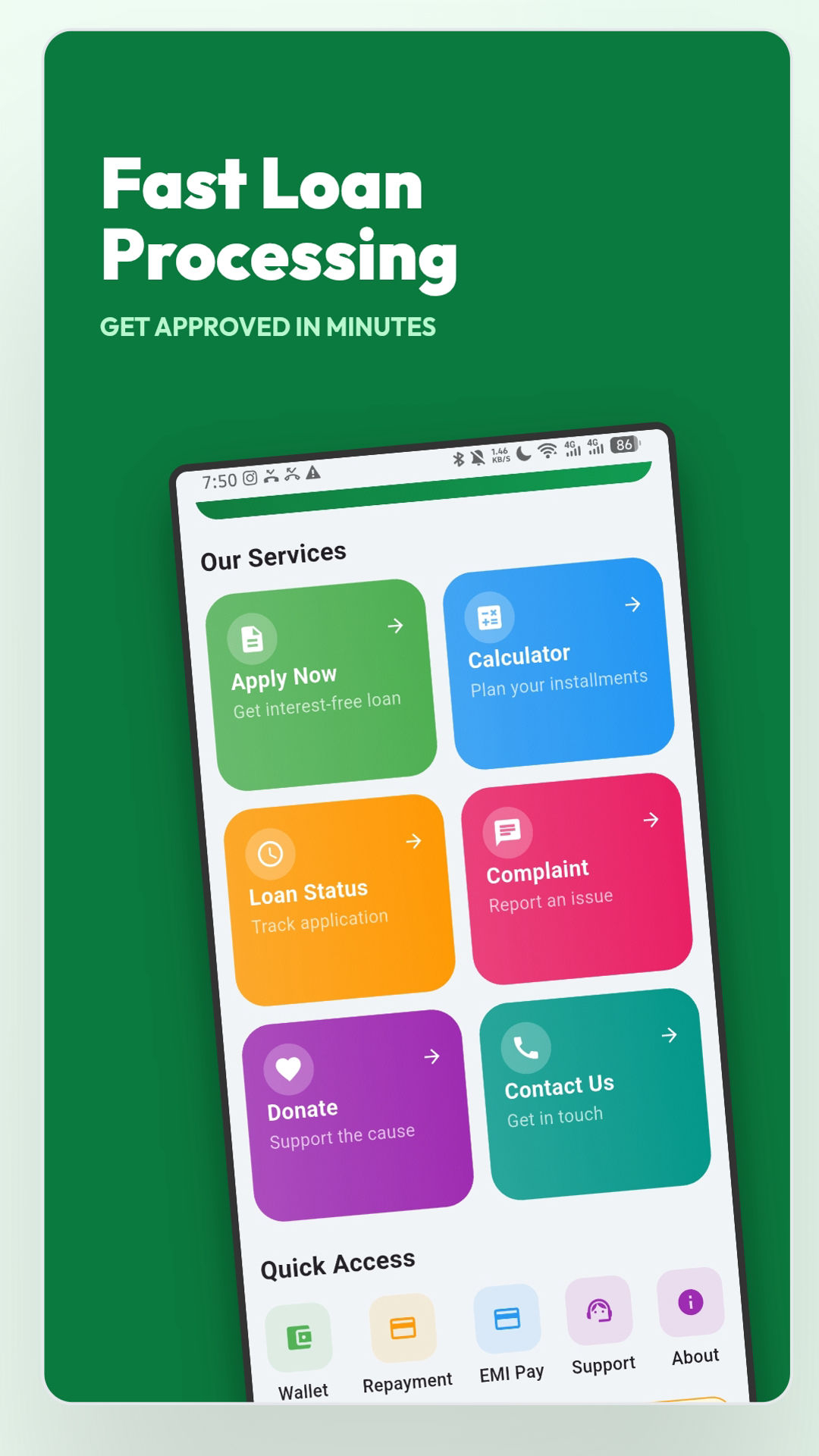
5. Explore the app’s features, such as loan application, tracking, and donation options.
Key Features of the Akhuwat Foundation App
– Loan Application Status – Track the status of your submitted loan application.
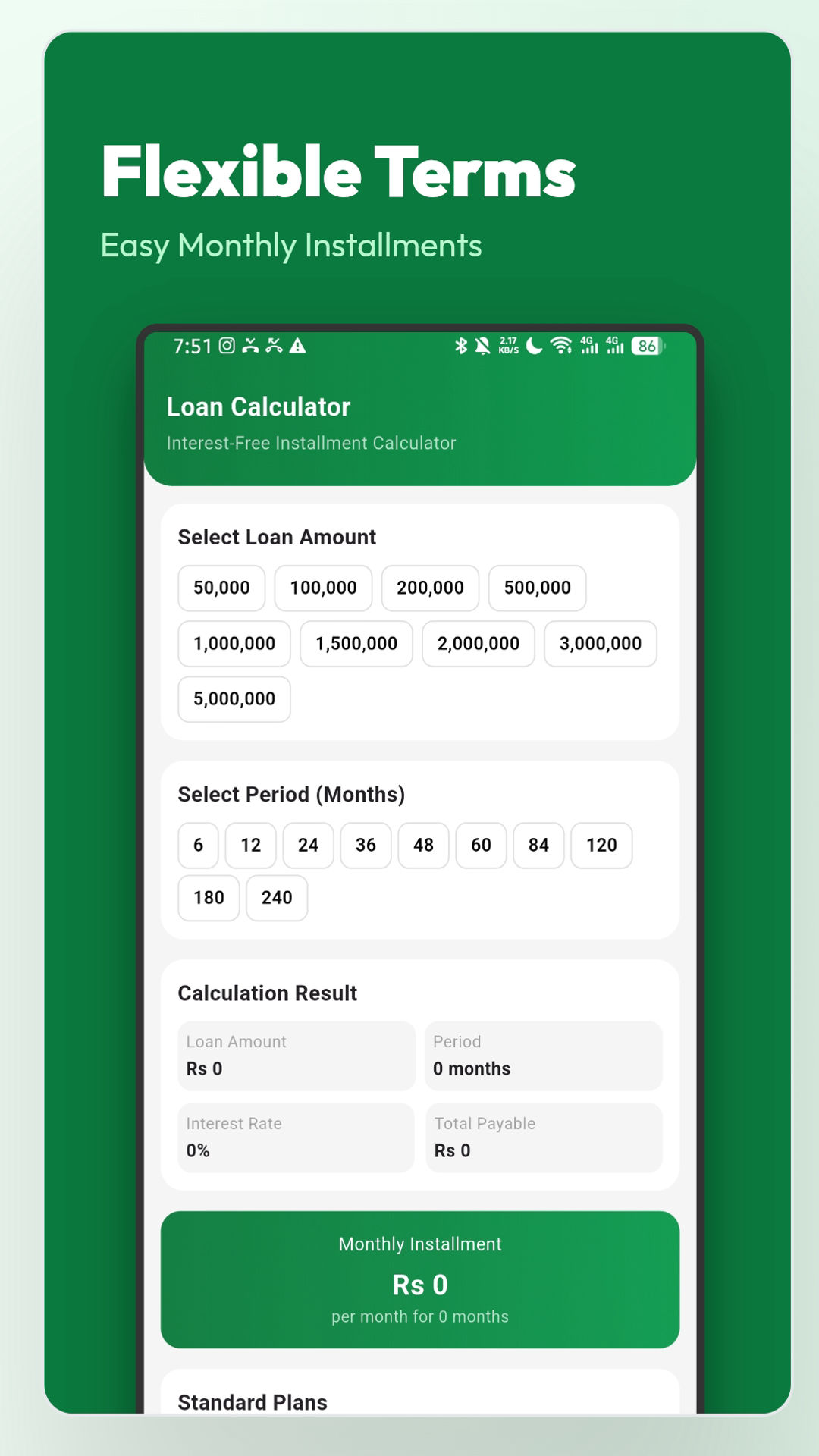
– Loan Calculator – Estimate how much loan you can receive and repayment details.
– Donation Portal – Securely donate to Akhuwat’s charity programs.
– Branch Locator – Find the nearest Akhuwat Foundation branch for in-person assistance.
– Latest News and Updates – Stay informed about Akhuwat’s new projects and loan schemes.
Common Issues and Troubleshooting
If you face problems while downloading or using the Akhuwat Foundation app, try the following solutions:
– App Not Found on Play Store: Check if the app is available in your region or visit the official website for direct links.
– App Crashes or Freezes: Clear the app cache from your phone’s settings or reinstall the app.
– Login Issues: Ensure your CNIC and registered mobile number are correctly entered.